ValueFirst SMS Integration with Shopify
WhatsApp
SMS
Introduction
Integrating ValueFirst SMS with your Shopify store enables you to send timely updates, pricing alerts, marketing offers, and greetings directly from your Shopify dashboard. This integration streamlines your communication efforts, ensuring high deliverability and personalized messaging to your customers.
Pre-requisites
- Shopify Partner Account: Create here: Shopify Partner Signup.
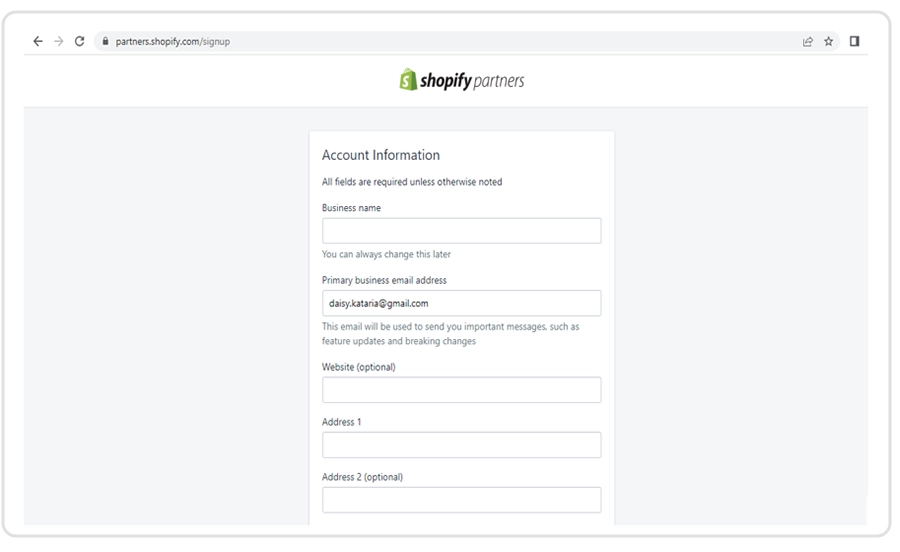
How to create a Shopify partner account:
- Create your partner account here: https://partners.shopify.com/signup
Configuration
Steps to Install and Configure ValueFirst SMS App:
Access the Shopify App Store:
- Log in to your Shopify admin panel.
- Click on the Apps link on the left sidebar.
- In the search bar, enter "ValueFirst" and press Enter.
Locate the ValueFirst SMS App and click on it.
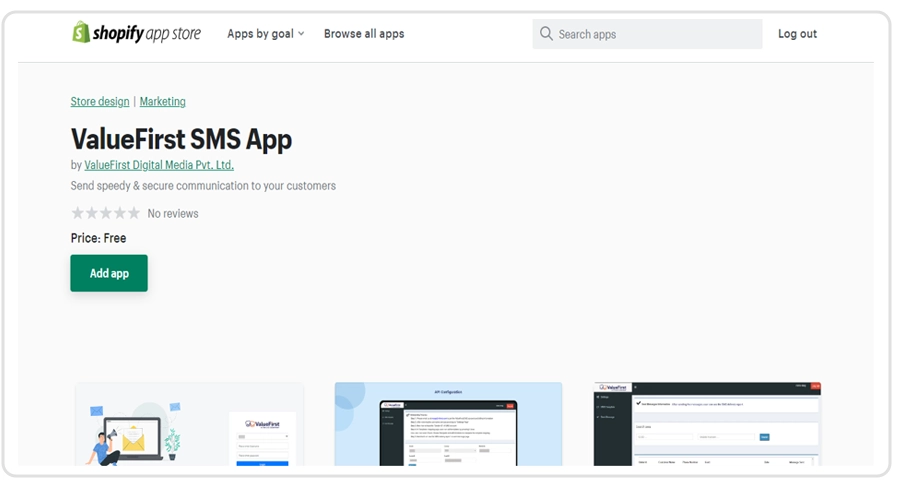
Install the Application:
- Click the Add app button.
- Review the app permissions and click Install app to confirm.
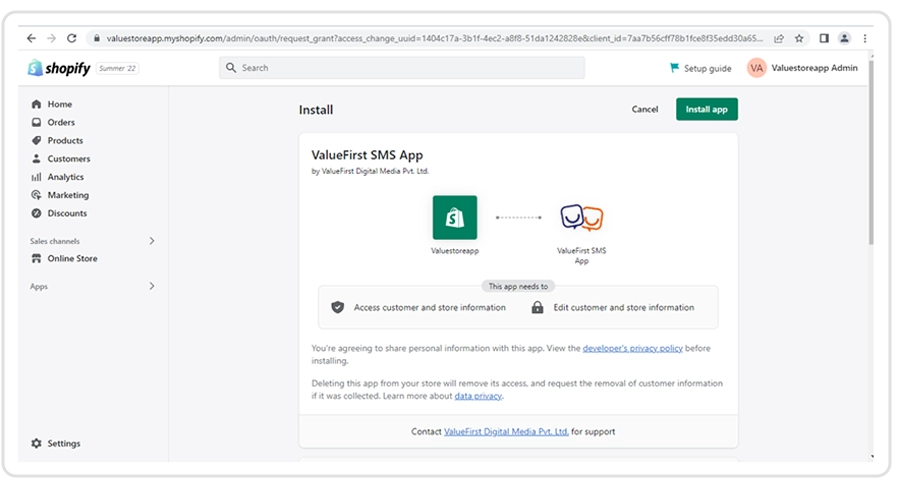
Log in to the ValueFirst Platform:
- After installation, you'll be prompted to log in.
- Enter your ValueFirst credentials to access the dashboard.
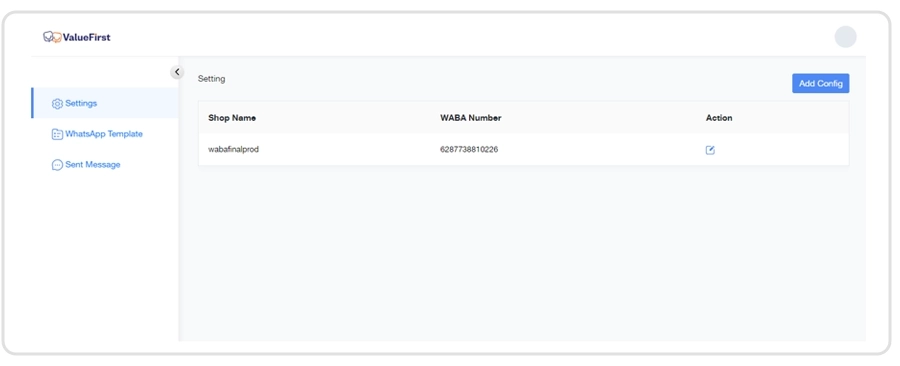
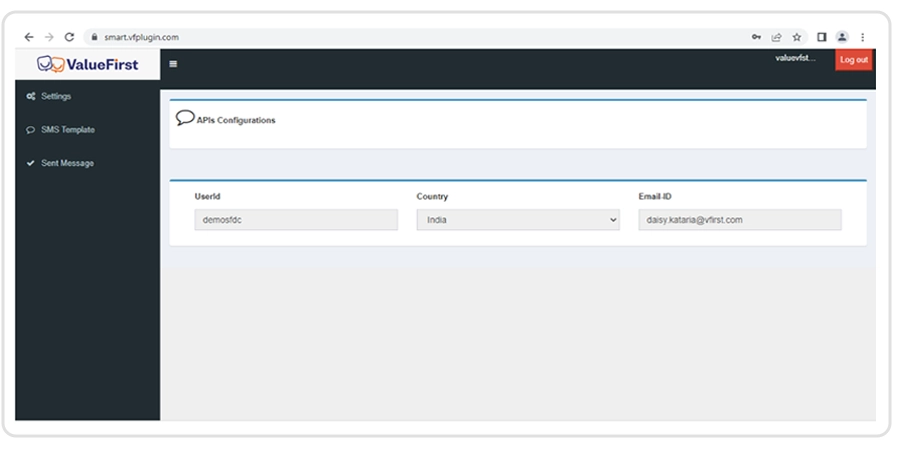
API Configuration for XML/Indian Users: For XML users, API details are automatically fetched.
No manual configuration is required on the API configuration page.
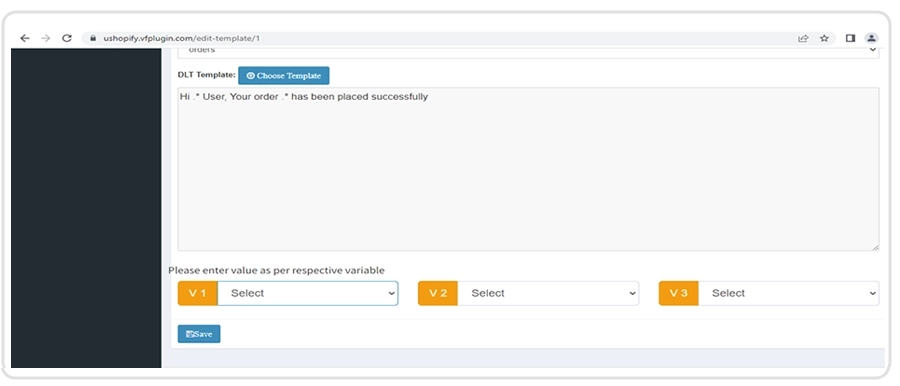
SMS Template
Users can add and edit any template from SMS template link.
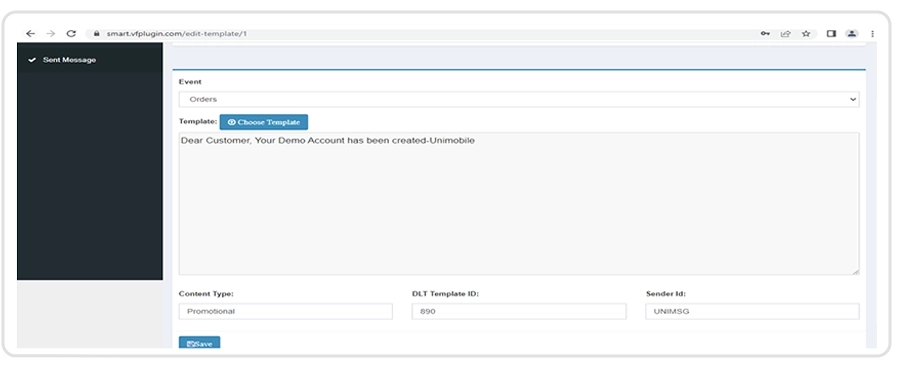
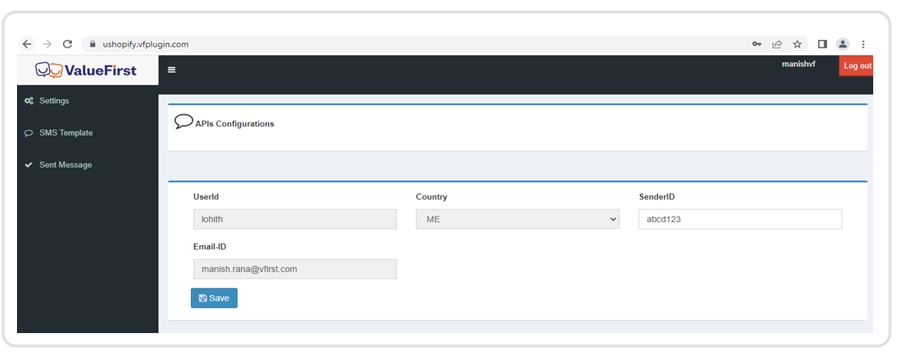
API configuration for ME user:
- Login into the app
- Click on the Setting tab
- Save Sender ID on API Configuration
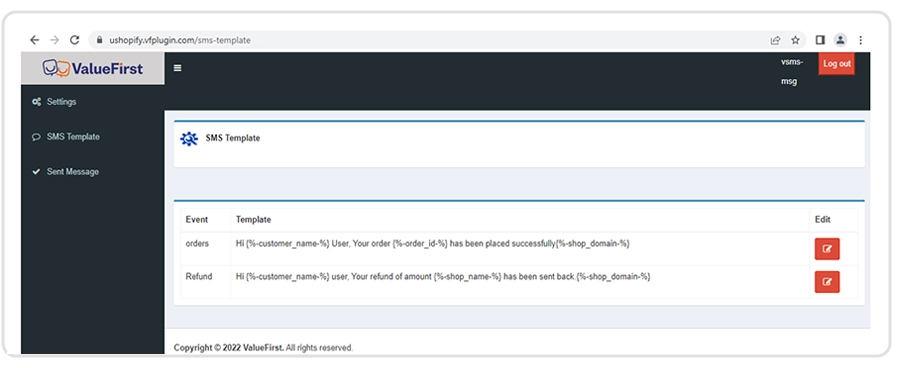
Add Template for ME user:
Adding Variables to the template:
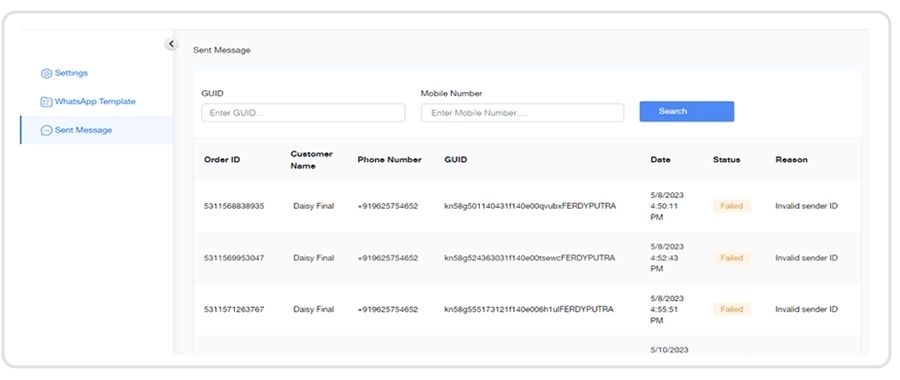
Click on Sent Message link to see all sent messages: